Search…
  • EN

Touchscreen Kiosk Software

Easy-to-use interactive Kiosk Software To Enage your audience

Easy-to-use interactive Kiosk Software To Enage your audience

Turn your digital signage into interactive experiences with the Bizplay interactive kiosk app. Make audience engagement simple and intuitive. Transform your screens into dynamic touchpoints that inform, engage, and connect with your audience.

Turn your digital signage into interactive experiences with the Bizplay interactive kiosk app. Make audience engagement simple and intuitive. Transform your screens into dynamic touchpoints that inform, engage, and connect with your audience.

14-day free trial. No credit card required.

14-day free trial. No credit card required.

Interactive touch kiosk in a museum, helping visitors explore art collections, access information and navigate exhibits through an intuitive touchscreen.

0%

0%

Improved customer engagement

83% of retailers reported improved customer engagement through interactive digital displays.

0%

0%

Of customers

Says digital signage influenced their purchasing behaviour

0%

0%

Reduced wait times

Digital signage helps minimize wait time, or at least helps customers perceive that their wait is shorter.

Touch screen software that puts users in control

Give your audience the information they need, exactly when they need it. Turn your touchscreen into a dynamic, interactive experience where people can tap, navigate, and explore content at their own pace. Create a clear starting screen with buttons and interactive elements. When someone taps, the content they want can play instantly, then return to your regular playback when they’re done. Create engaging touch screen experiences without complicated software or technical expertise.
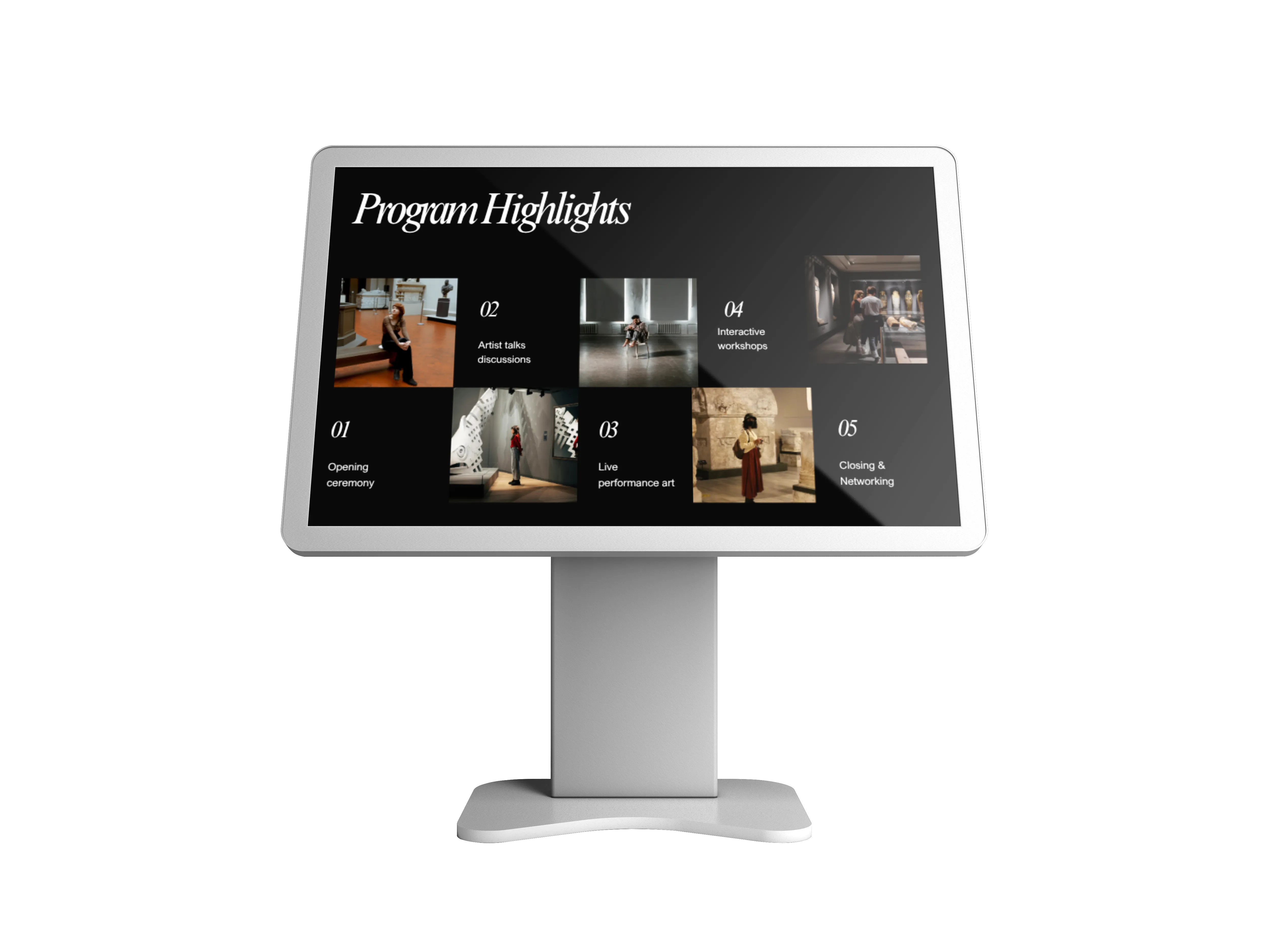
Interactive touch kiosk displaying museum program highlights, events, artist talks and workshops for visitors to explore.
Interactive touch kiosk interfaces for workplace information.

Make your digital signage interactive

Easily create an information point, a product guide, wayfinding display, self-service interface, or an interactive kiosk. With Bizplay, you can:

Make your digital signage interactive

Easily create an information point, a product guide, wayfinding display, self-service interface, or an interactive kiosk. With Bizplay, you can:

  • Navigate with a tap: Let users move between pages and explore at their own pace.

  • Trigger specific content: Connect buttons and other screen elements to dedicated playlists.

  • Keep the experience flowing: Return to your regular playback once an interaction is complete.

  • Create without complexity: Build and manage experiences within your existing digital signage.

Create touchscreen experiences your audience understands

Good interactive experiences should feel natural. That's why you can use familiar visual elements such as buttons and make them touchable.

In Bizplay, virtually any page element can be configured as a touch target. A touch event can then trigger the playlist you want to show.

For example, a visitor could tap “Show tours” to open a dedicated tour playlist. When they're finished, regular playback can continue automatically.

No complicated navigation. Just tap, explore, and continue.
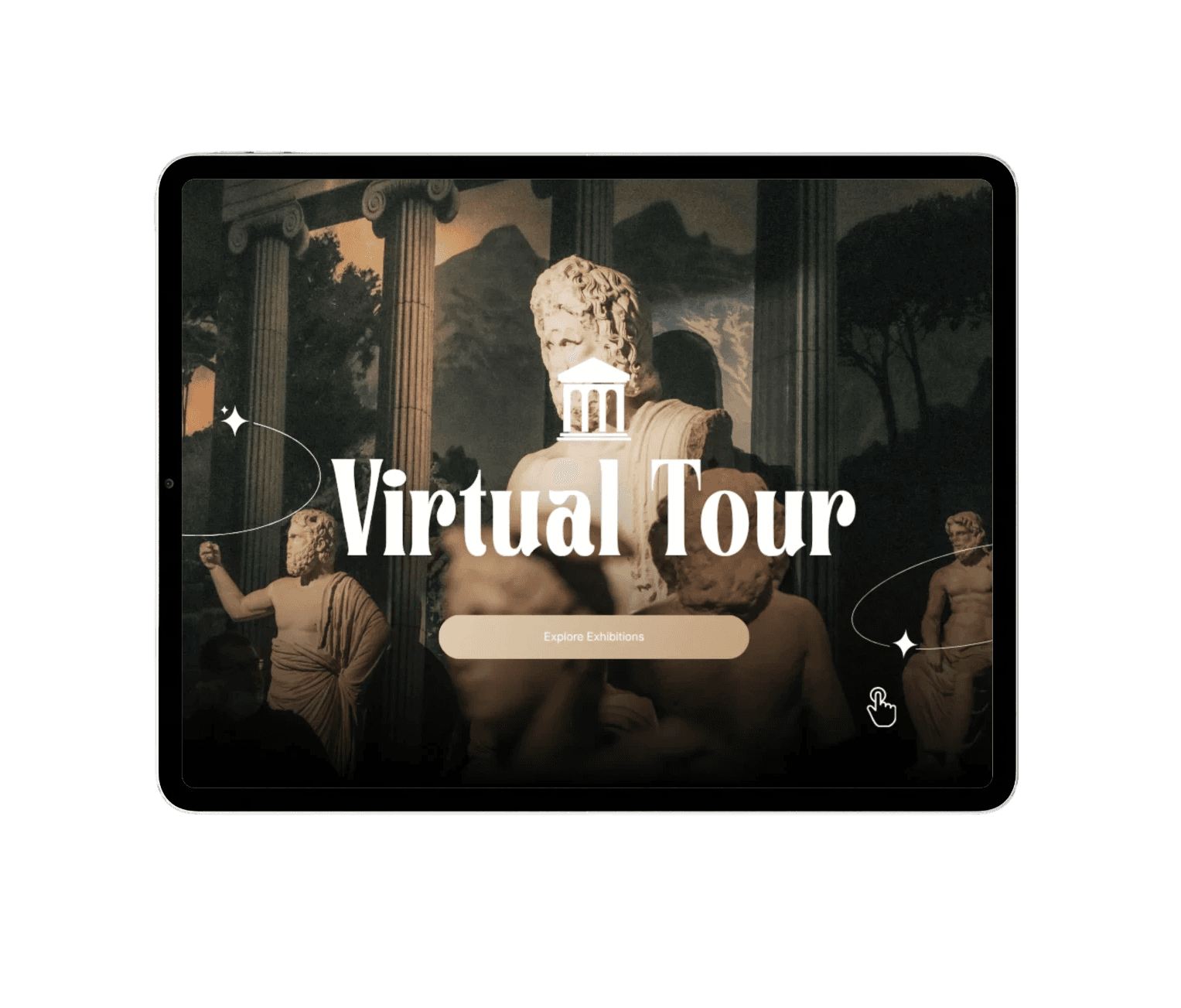
Interactive touch kiosk interfaces for museum virtual tours, giving users intuitive access to content and resources.

One screen, more possibilities

Turn a display into a useful self-service experience.

Information kiosk

Help visitors quickly find opening hours, services, facilities, or other relevant information.

Information kiosk

Help visitors quickly find opening hours, services, facilities, or other relevant information.

Wayfinding displays

Give people an intuitive way to explore locations and find where they need to go.

Wayfinding displays

Give people an intuitive way to explore locations and find where they need to go.

Product experiences

Let customers browse products, features, specifications, and supporting information.

Product experiences

Let customers browse products, features, specifications, and supporting information.

Exhibition and events

Invite visitors to discover additional content and interact with your displays.

Exhibition and events

Invite visitors to discover additional content and interact with your displays.

Drag and drop designer

Design your screen with our intuitive drag-and-drop editor, make elements interactive, and decide what happens when someone taps them. You stay in control of the entire experience without needing specialist technical skills.

Drag and drop designer

Design your screen with our intuitive drag-and-drop editor, make elements interactive, and decide what happens when someone taps them. You stay in control of the entire experience without needing specialist technical skills.

Interactive touchscreen running Bizplay in full kiosk mode, creating secure, locked-down interactive experiences for public touch displays.

Keep your kiosk experience locked down

Keep your Android touchscreen kiosk focused on the experience you create. With the Bizplay Android app, you can enable lockdown mode to prevent users from leaving your kiosk content or accessing other apps on the device. This makes it easier to run a dedicated, secure touchscreen experience in public spaces such as museums, visitor centers, retail stores, exhibitions, and events.

Keep your kiosk experience locked down

Keep your Android touchscreen kiosk focused on the experience you create. With the Bizplay Android app, you can enable lockdown mode to prevent users from leaving your kiosk content or accessing other apps on the device. This makes it easier to run a dedicated, secure touchscreen experience in public spaces such as museums, visitor centers, retail stores, exhibitions, and events.

Make every interaction count

Whether you're creating a wayfinding kiosk, product browser, information point, or interactive display, Bizplay makes it easy to turn your ideas into a working touchscreen experience.

Design. Connect. Publish. It's that easy.

Touch control is only available with the Pro subscription.

See how Zeeland turned a touchscreen into an interactive experience with Bizplay

The Province of Zeeland wanted to make information more engaging and accessible to visitors. See how they use Bizplay to turn a touchscreen into an interactive digital information point, giving visitors the freedom to explore content at their own pace.
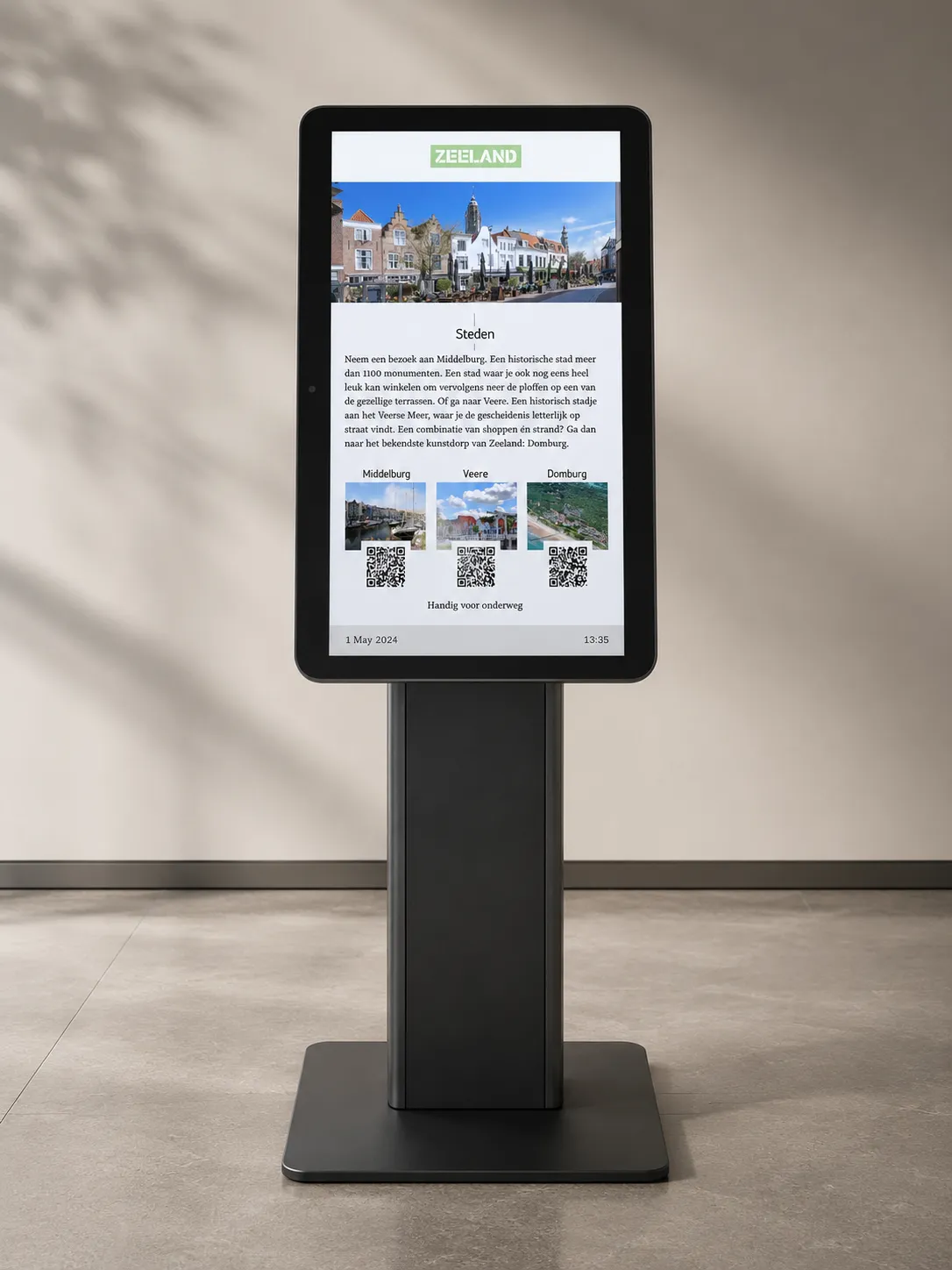
AOpen cTILE 22 Gen3 running ChromeOS with Bizplay kiosk mode, displaying interactive visitor information about Zeeland.

See your touchscreens in action

Experience how easy it is to turn your touchscreens into engaging kiosks. Inform, navigate and create an experience for your audience, without hassle.

See your touchscreens in action

Experience how easy it is to turn your touchscreens into engaging kiosks. Inform, navigate and create an experience for your audience, without hassle.

See your touchscreens in action

Experience how easy it is to turn your touchscreens into engaging kiosks. Inform, navigate and create an experience for your audience, without hassle.

What Our Users Say

No credit card required.

Frequently questions about touch screen software