Search…
  • EN

Info channel software

Your own info channel, live on any screen in minutes

Your own info channel, live on any screen in minutes

Deliver information to your target audience instantly. Share announcements, schedules, videos and live data on any TV screen. Manage everything from one place, update in real-time, without technical hassle.

Deliver information to your target audience instantly. Share announcements, schedules, videos and live data on any TV screen. Manage everything from one place, update in real-time, without technical hassle.

14-day free trial. No credit card required.

14-day free trial. No credit card required.

trusted by 1000+ organizations

0+

0+

Active users

0+

0+

Active screens

0+

0+

Countries

What is an info channel, and why do you need it?

An info channel is a form of digital signage that lets you broadcast your own content, text, images, video, live data, directly to a TV screen. It is a very simple way to communicate quickly and reliably with the people who matter most to your organization: employees in the break room, customers in a lobby, students on campus, patients in a waiting area, or visitors at reception.

With Bizplay, you create your content in an online page designer, arrange them into a playlist in the order you want them to play, and publish that playlist to your own TV channel. Enter the channel's web address on any screen, and your info channel is live, manageable in real time, from anywhere.
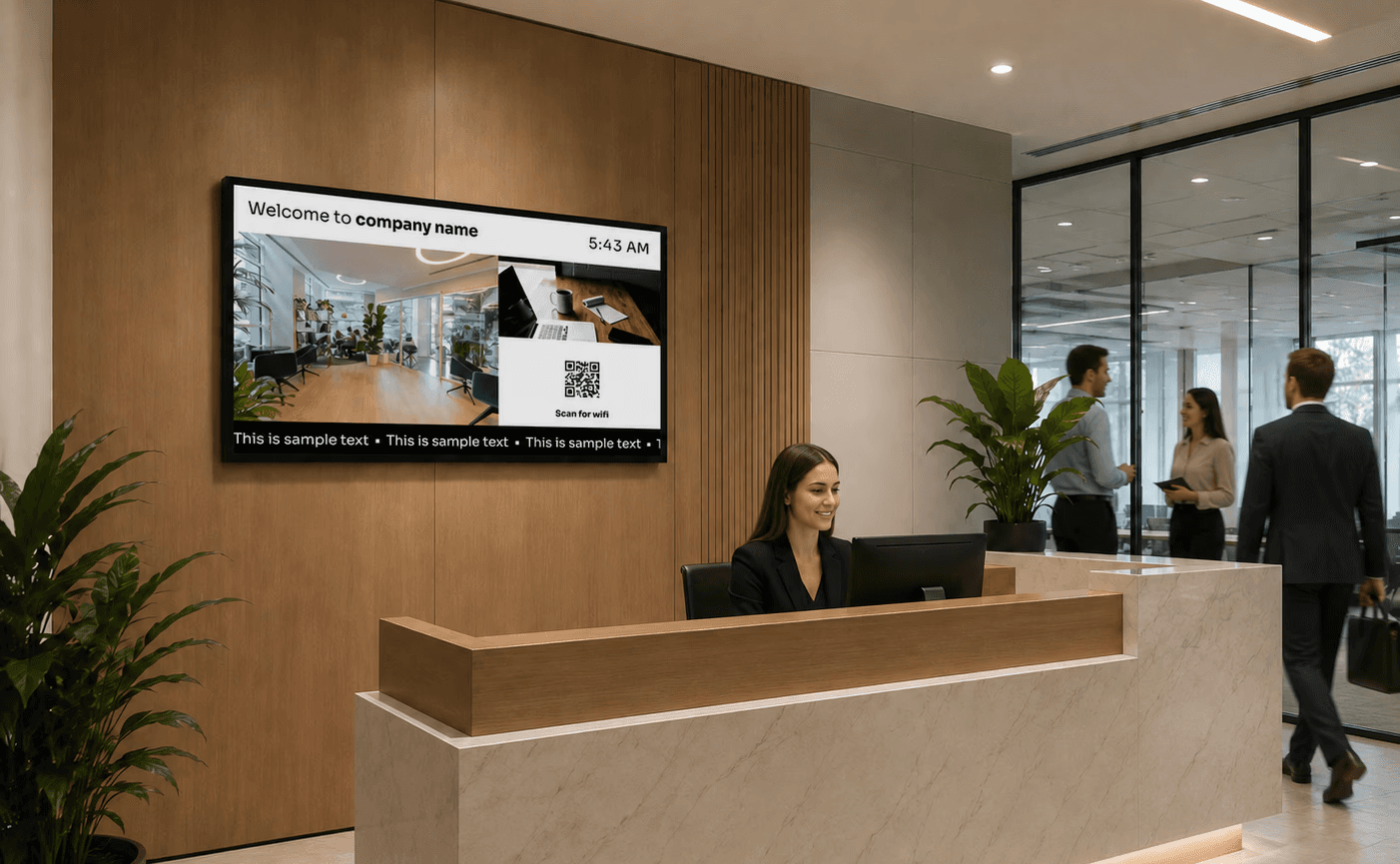
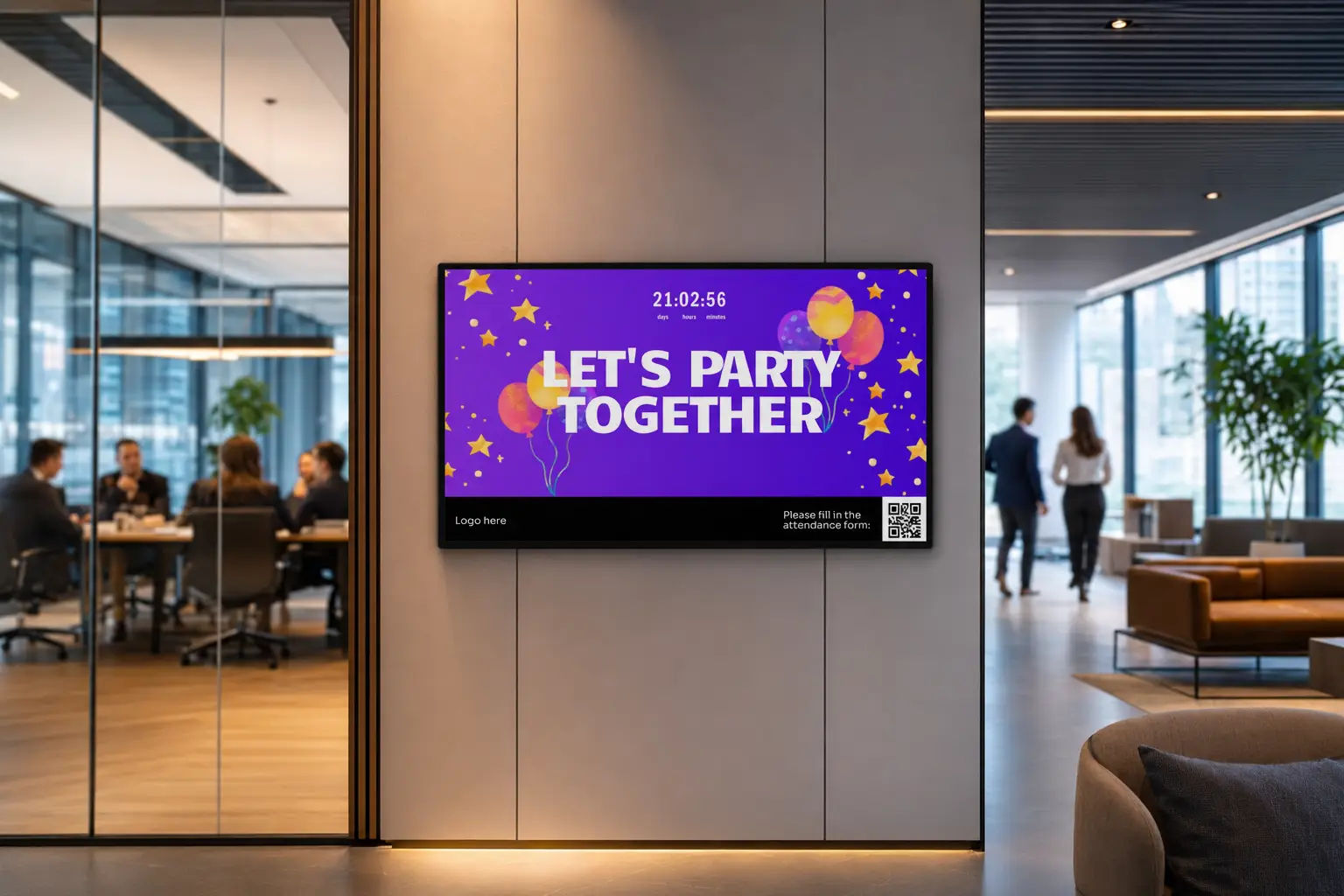
Infochannel at an office reception displaying time, WiFi information and updates.
Office info channel displaying upcoming event.

Everything you need to keep your audience informed

Nobody likes being out of the loop, but the right info channel makes a big difference. With Bizplay, you control exactly what's shown on your screens, so your audience feels informed and up to date from the moment they see the screen.

Everything you need to keep your audience informed

Nobody likes being out of the loop, but the right info channel makes a big difference. With Bizplay, you control exactly what's shown on your screens, so your audience feels informed and up to date from the moment they see the screen.

  • Informative: Share announcements, news, schedules, and safety notices the moment they matter.

  • Engaging: Mix in video, social feeds, and live data so your screens never feel static.

  • Relevant: Tailor messages to your audience, whether patients, customers, or guests.

  • Always up-to-date: Manage and update content remotely, so your screens always show the latest information.

  • Result: an info channel that informs, engages, and builds trust with everyone who walks past your screens.

Create and Update Your Info Channel in Minutes

Create, schedule, and update content in minutes. Bizplay is built to be easy for everyone to use. Reception staff, administrators, and communication teams can all publish updates without technical knowledge. You can quickly display:

  • Company news, announcements, and messages

  • Event calendars, schedules, and meeting room availability

  • Safety notices and emergency alerts

  • Weather, date, time, and news feeds

  • Social media posts, videos, and promotional content

  • KPIs, dashboards, and PowerBI reports

Connect your own data sources

Pro users can build custom apps that pull data from an online source, filter and format it, and display it neatly on the info channel.

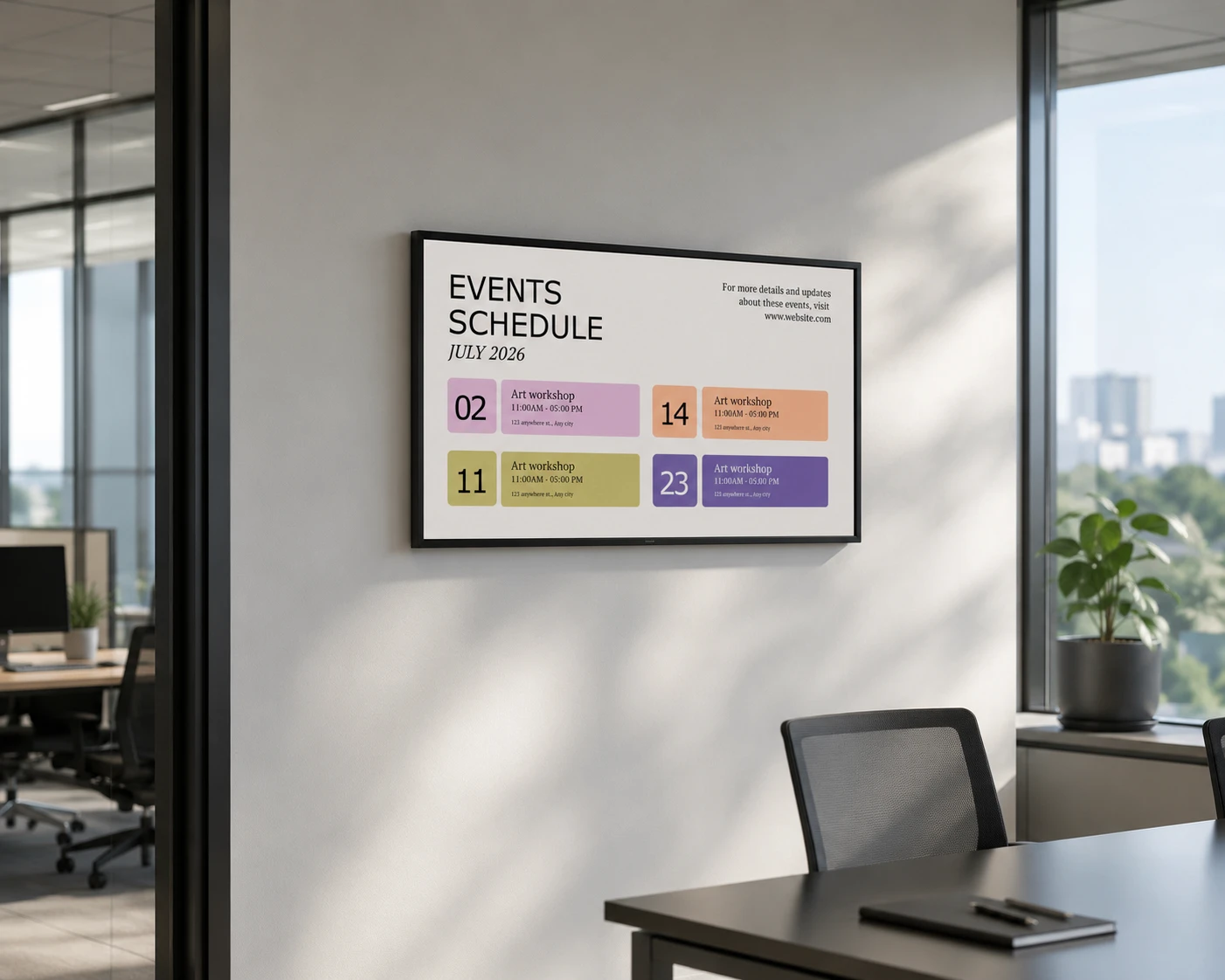
Queue management screen showing tickets and room numbers on digital signage
Digital signage display in a modern office meeting room showing an events schedule with upcoming workshops and company activities, helping employees stay informed about internal events and announcements.

One Info Channel, or a Thousand, Manage It All Centrally

Whether you're running one screen or thousands across a global organization, Bizplay gives you a single, easy-to-use platform to manage it all.

One Info Channel, or a Thousand, Manage It All Centrally

Whether you're running one screen or thousands across a global organization, Bizplay gives you a single, easy-to-use platform to manage it all.

Unlimited dashboards

Create as many isolated dashboards as your teams or locations need.

User-specific access

Give each user or team access only to the content relevant to them.

Flexible content approval

Control who can edit or submit content for approval with user roles and permissions.

Central and local content management

push central content to local screens, or merge local updates into a central channel

How to setup your info channel

Getting started is simple. Even if you are not a technical expert. With Bizplay you set up your digital signage in just a few steps.

Everything You Need to Manage Your info channel displays

Managing your screens should be simple. Create, schedule, and update screen content in just a few minutes, without technical hassle.

Drag-and-drop editor

Arrange media, layouts, and widgets visually our drag-and-drop editor. No technical expertise needed.

Real-time updates

Push announcements, schedules, and alerts instantly to your screens so everyone stays informed.

Automated scheduling

Plan your content in advance and have it displayed automatically across all screens.

Multi-user access & roles

Manage info channel displays with role-based access. So the right people can manage the right screens.

Templates

Start quickly with ready-made templates built for hospitality, corporate, healthcare, and other industries.

Apps and integrations

Connect with the tools you already use. Integrate live data sources like weather, dashboards, and social feeds.

Scalable across locations

Grow your screen network effortlessly. Manage every room, building, or location from one centralized platform.

Hardware compatible

Bizplay is compatible with a wide range of digital signage players and smart displays.

Hardware compatible

Bizplay is compatible with a wide range of digital signage players and smart displays.

Secure & GDPR-Friendly

Enterprise-grade security. Full GDPR compliance. Manage users and content safely, with privacy built in.

Your favorite apps, on your channel

Pull in your calendar, socials, weather, news, and dashboards, or build a custom app for your own data source, and let your info channel update itself.

Person photo
Person photo
Person photo
Microsoft PowerBi
QR code app
Person photo
Person photo
Person photo
Person photo
Person photo

One Info Channel, Endless Use Cases

Whether you’re in corporate, hospitality, or healthcare, digital signage helps you share the right message at the right time.

Office digital signage displaying internal communication dashboards and performance metrics in a modern meeting room.

Offices

Internal announcements, KPIs, meeting room status, company news

Office digital signage displaying internal communication dashboards and performance metrics in a modern meeting room.

Offices

Internal announcements, KPIs, meeting room status, company news

Modern healthcare clinic waiting room with wall-mounted digital signage screen displaying health care professionals and weather info, clean reception area and comfortable seating.

Healthcare

Patient information, wait times, wellness tips, activity calendars

Modern healthcare clinic waiting room with wall-mounted digital signage screen displaying health care professionals and weather info, clean reception area and comfortable seating.

Healthcare

Patient information, wait times, wellness tips, activity calendars

University digital wayfinding screen mounted in a campus hallway, displaying a clear building directory for Building B with floor-by-floor listings of departments, offices, laboratories, and facilities to support student and visitor navigation.

Education

Class schedules, campus news, event promotion

University digital wayfinding screen mounted in a campus hallway, displaying a clear building directory for Building B with floor-by-floor listings of departments, offices, laboratories, and facilities to support student and visitor navigation.

Education

Class schedules, campus news, event promotion

Create your own info channel

Start your information channel in no time. No technical knowledge required – just your creativity. Experience how easy it is to display your message on any screen.

Create your own info channel

Start your information channel in no time. No technical knowledge required – just your creativity. Experience how easy it is to display your message on any screen.

Create your own info channel

Start your information channel in no time. No technical knowledge required – just your creativity. Experience how easy it is to display your message on any screen.

What Our Users Say

No credit card required.

Frequent Questions about info channels

These questions are asked by many of our users